Beyond the page, I build tools for readers.

LibriLink for Calibre
Your Library. Your Books. Your Way.
This is made for Calibre users.
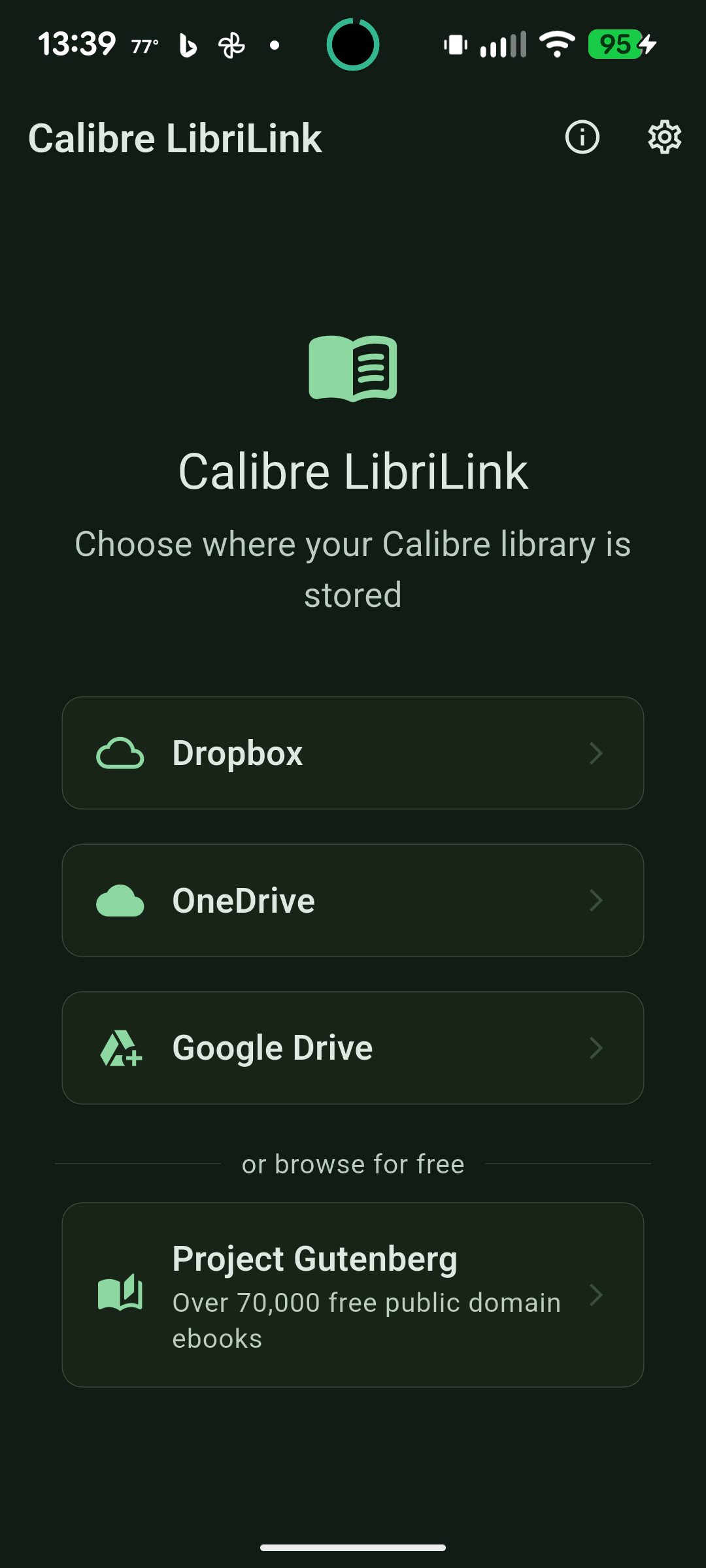
LibriLink for Calibre is the mobile companion I built because I wanted it to exist: point it at wherever your Calibre library already lives — Google Drive, Dropbox, Microsoft OneDrive, a WebDAV share, your own Calibre Content Server, or a local copy on your device or SD card — and browse, search, and download your real collection on iPhone, iPad, Android, or Mac. No re-importing, no separate cloud to upload to, no proprietary copy of your library.
It reads your actual Calibre metadata, so covers, authors, series, tags, and custom columns all come through intact.
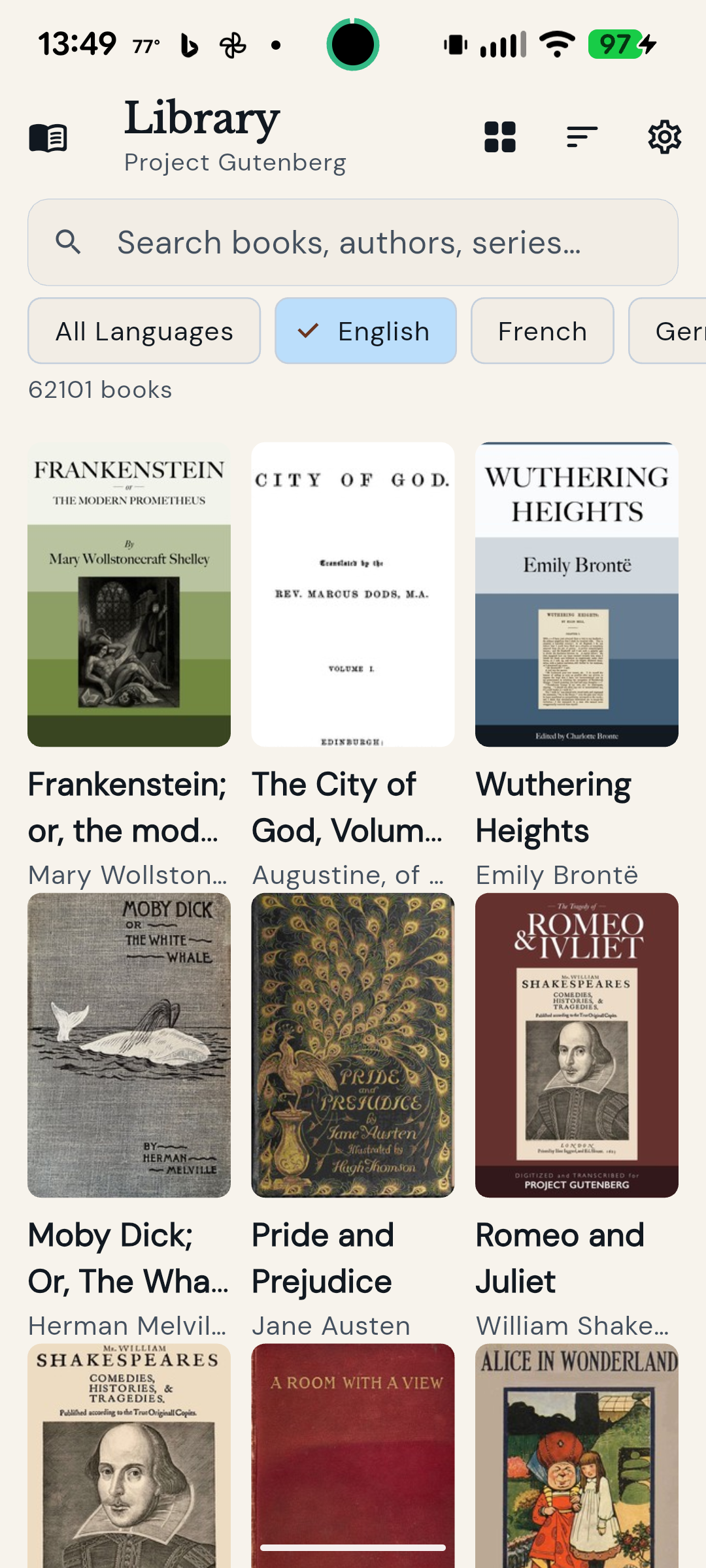
New to ebooks, or between libraries? LibriLink also includes a built-in Project Gutenberg browser — over 70,000 free classic ebooks, searchable by title, author, language, and genre, no library connection required.
Features
- Connect your Calibre library via Google Drive, Dropbox, Microsoft OneDrive, WebDAV, a Calibre Content Server, or local storage
- Browse and search your full collection by title, author, series, tags, and language
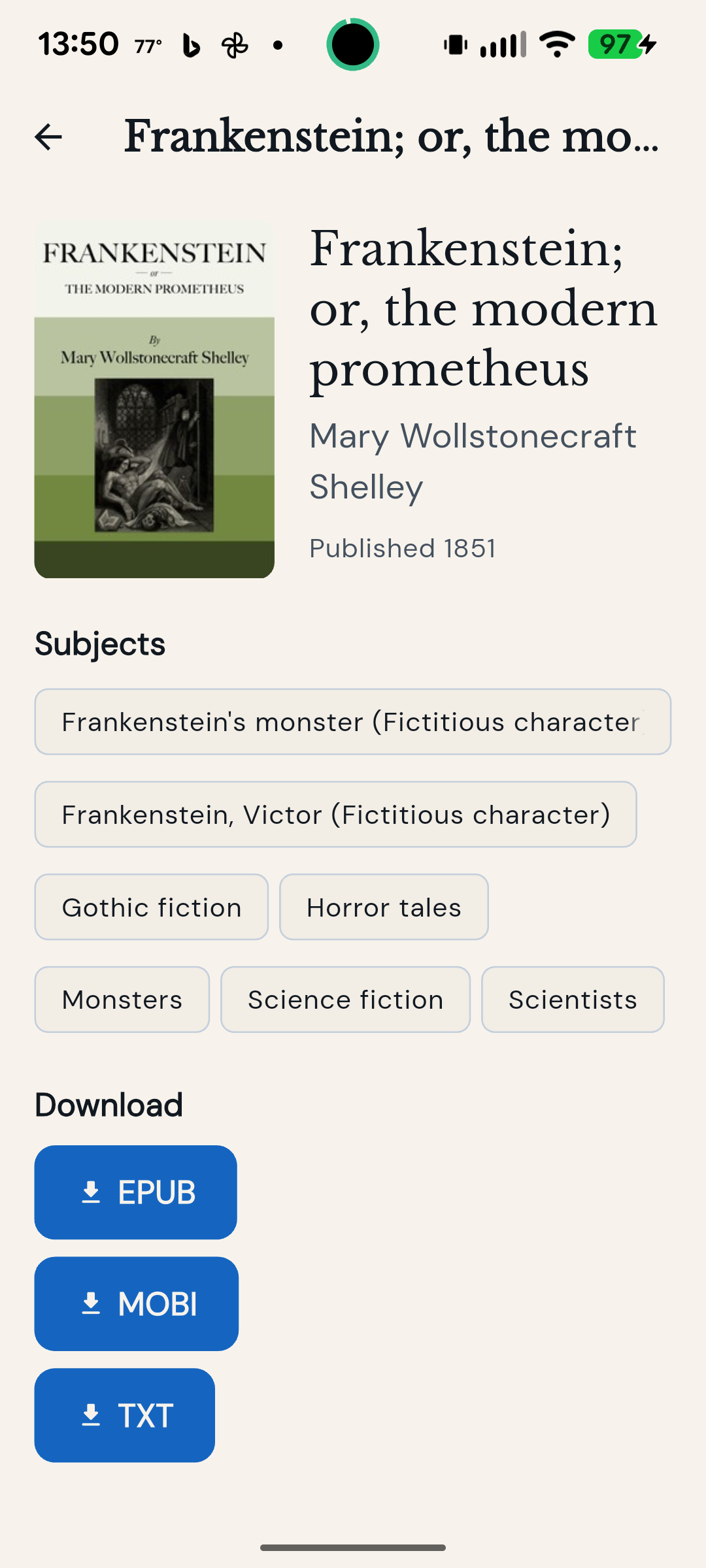
- Download books, audiobooks, and comics in EPUB, PDF, MOBI, AZW3, CBR, CBZ, MP3, M4B, or whatever formats your library already has
- Explore 70,000+ free books through the built-in Project Gutenberg browser
- Grid, list, and compact layouts, with light and dark themes
- Accessibility built in: adjustable text size, font picker, and high-contrast themes
- High-contrast themes are also great for e-ink and other low-power displays — true black-and-white, easy on the eyes and the battery
How LibriLink uses your Google Drive
If your Calibre library is in Google Drive, LibriLink asks Google for read-only access so it can find the library folder you choose and read its catalog, covers, and the books you download. It cannot change or delete anything in your Drive.
If you turn on Send to Kobo, LibriLink asks separately for permission to add books to a Kobo folder, either one it creates or one you pick. It can see only that folder and the books it adds.
All of this happens directly between your device and Google. Nothing is sent to us, and your data is never sold or used for advertising. The privacy policy has the details.
Available On
- iPhone & iPad
- Android
- macOS
Download
- Apple App Store — https://apps.apple.com/us/app/librilink-for-calibre/id6761423779
- Google Play — https://play.google.com/store/apps/details?id=com.calibremobile.calibre_mobile
Support: support@sahollen.com · Privacy: LibriLink for Calibre privacy policy
LibriLink for Calibre is an independent app by S.A. Hollen. It is not affiliated with or endorsed by the Calibre project.